Make and release modpacks in one app

packraven is a free, open-source desktop app for Minecraft modpack development. Install mods, edit files, work with teammates, track changes, and test clients and servers. Then build, publish and announce each release. It works with CurseForge and Modrinth.

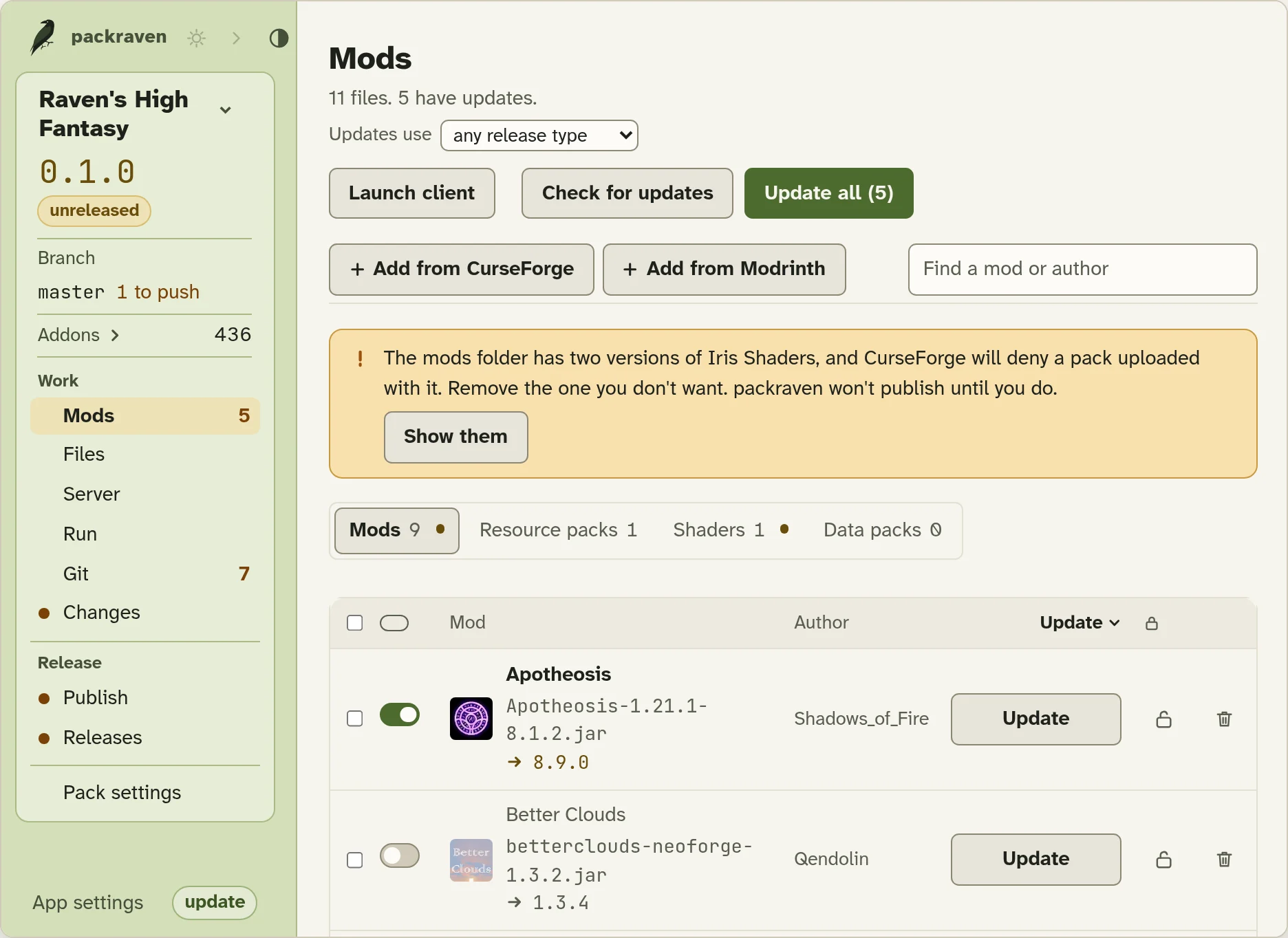
packraven’s Mods view, showing a sample packpackraven’s Mods view, showing a sample pack

10 steps in 5 apps

Without packraven, you release a pack by hand. Pick a step to see what replaces it.

All of it in 1 app

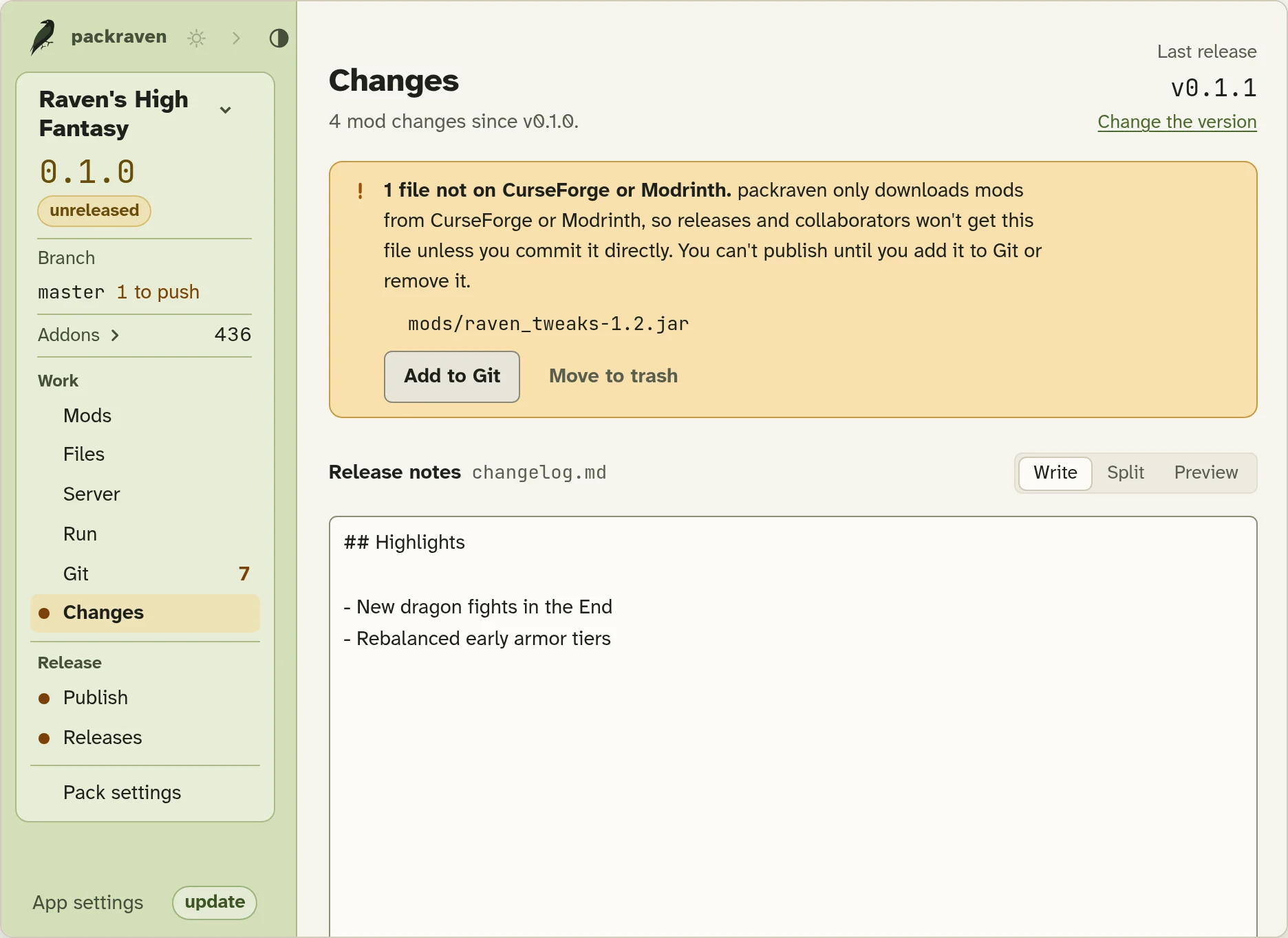
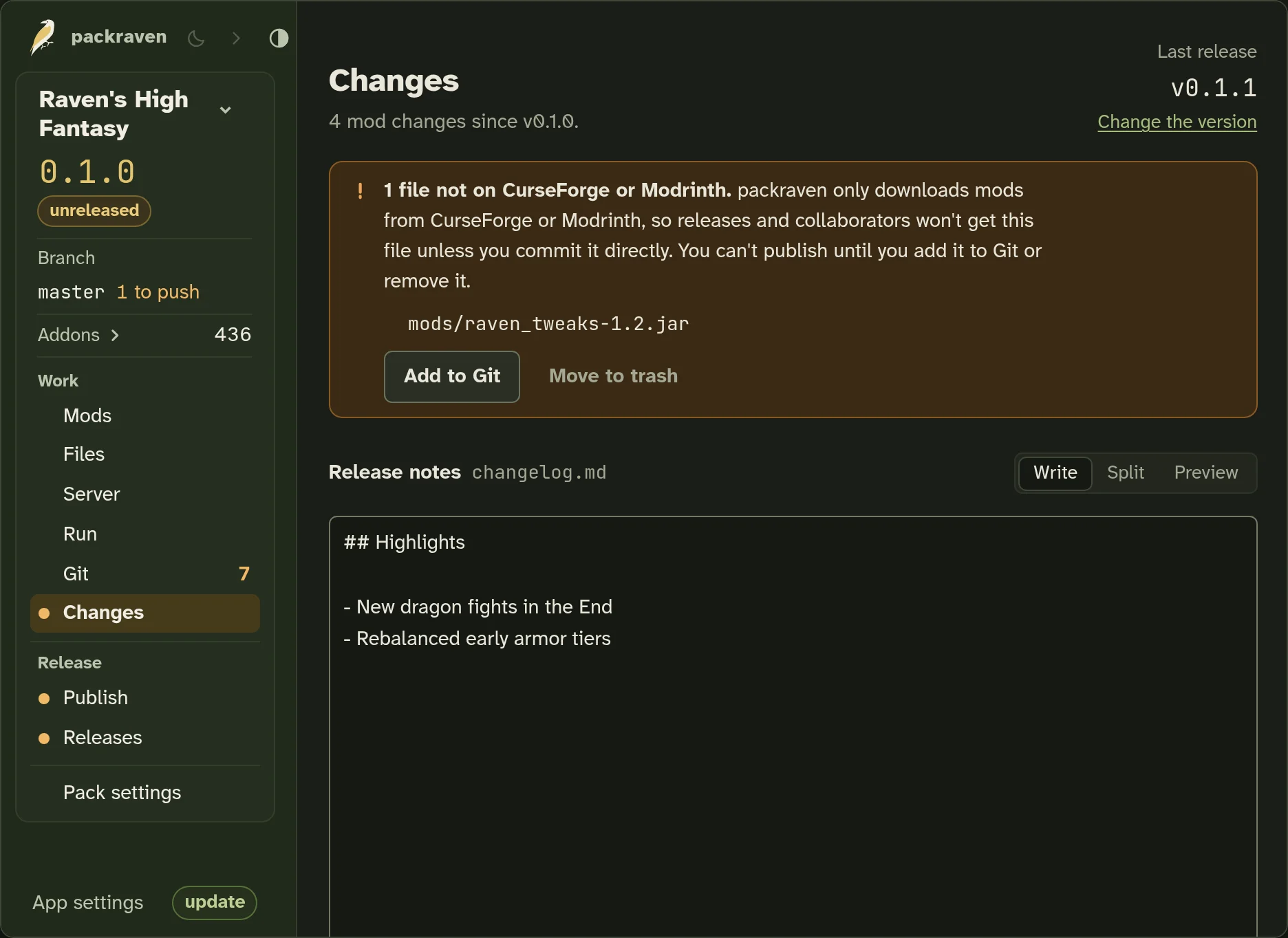
With packraven, the same release is one window, shown on a sample pack.

packraven’s Changes view, showing a sample packpackraven’s Changes view, showing a sample pack

The Changes view, instead of the CurseForge app and VS Code.

Make the pack together

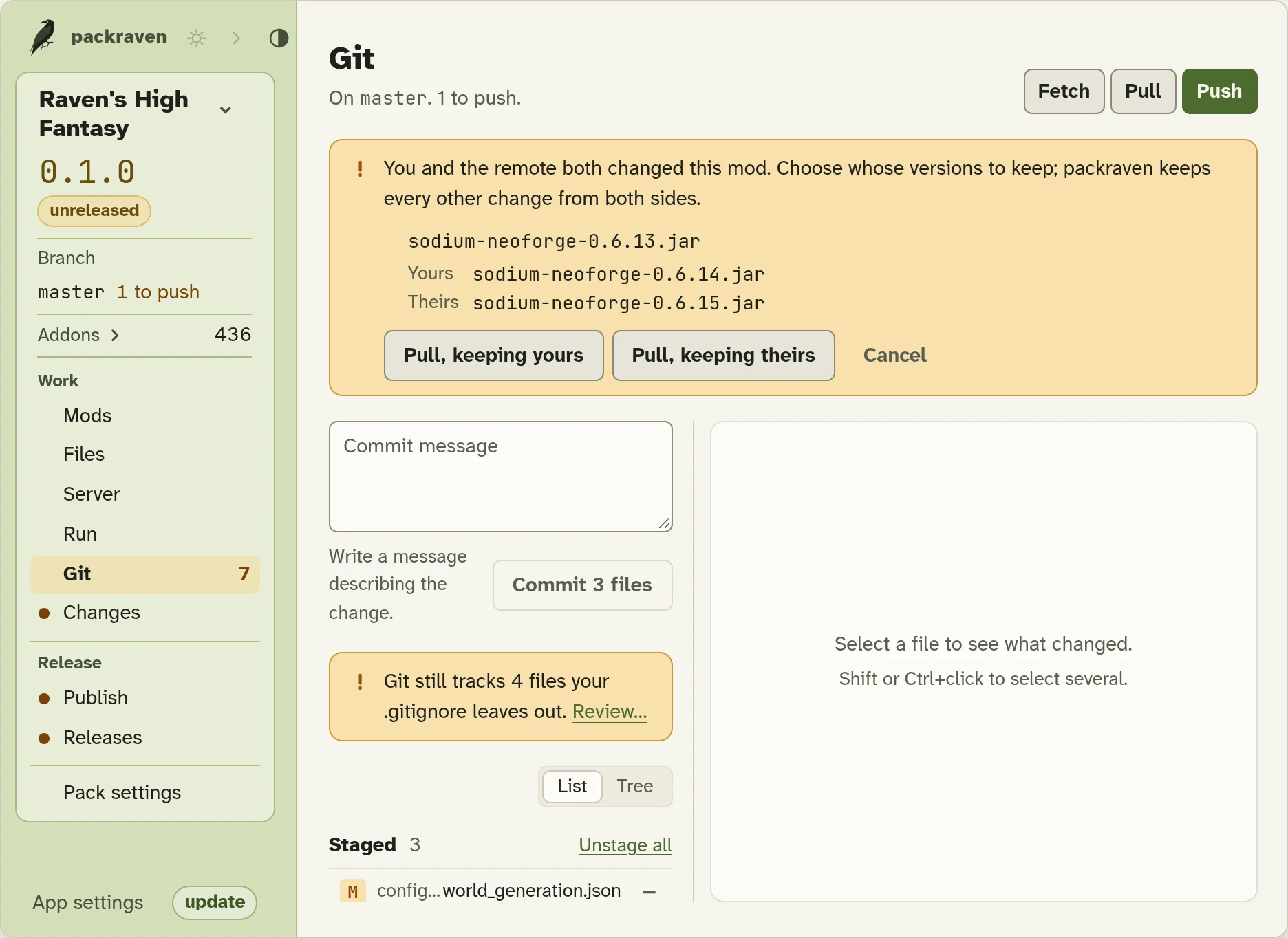
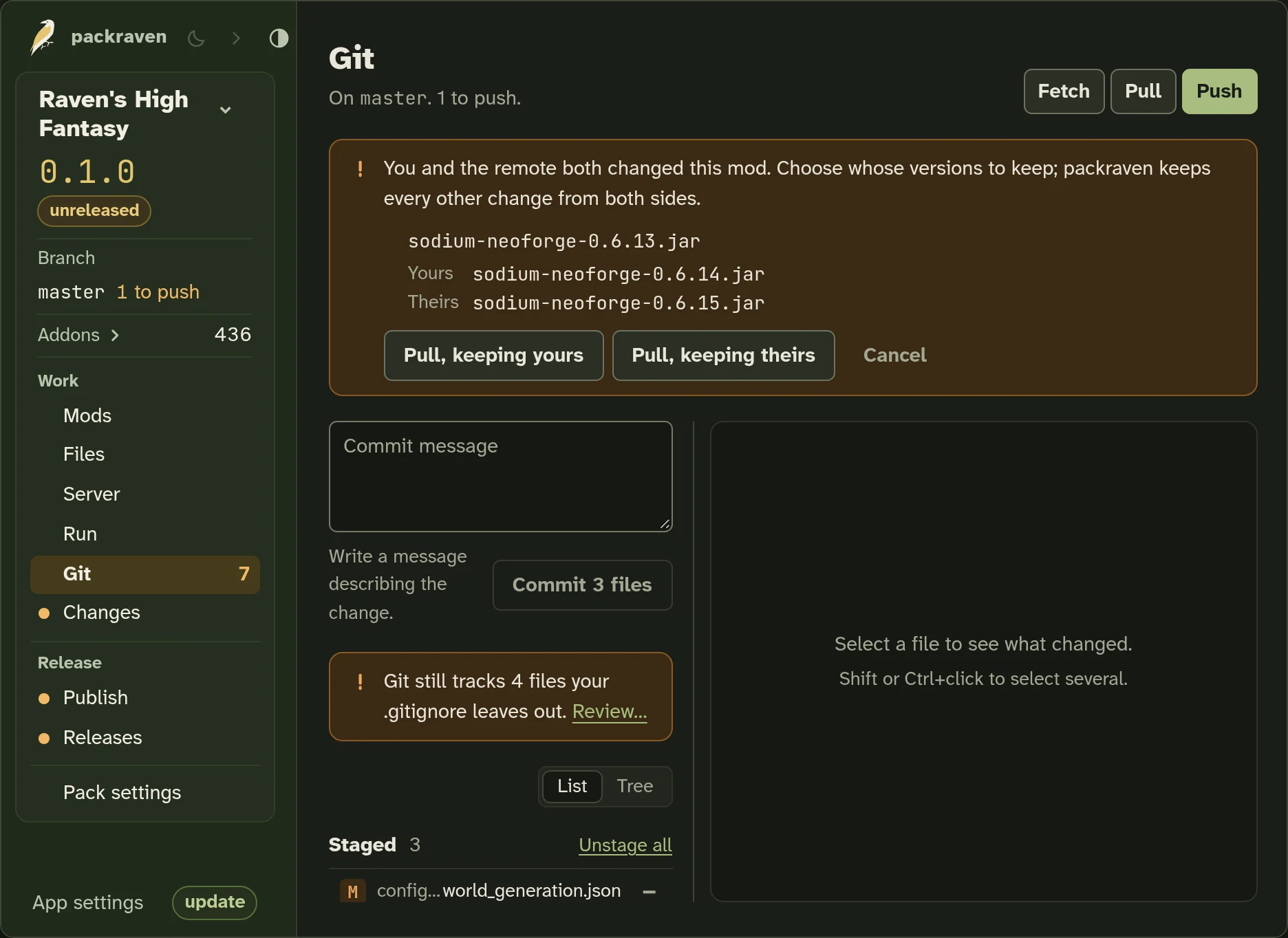
Share the pack with your collaborators through git.

Instead of hundreds of jars, we commit which CurseForge or Modrinth file each mod uses, so the repository stays small and anyone who clones it gets the whole pack.

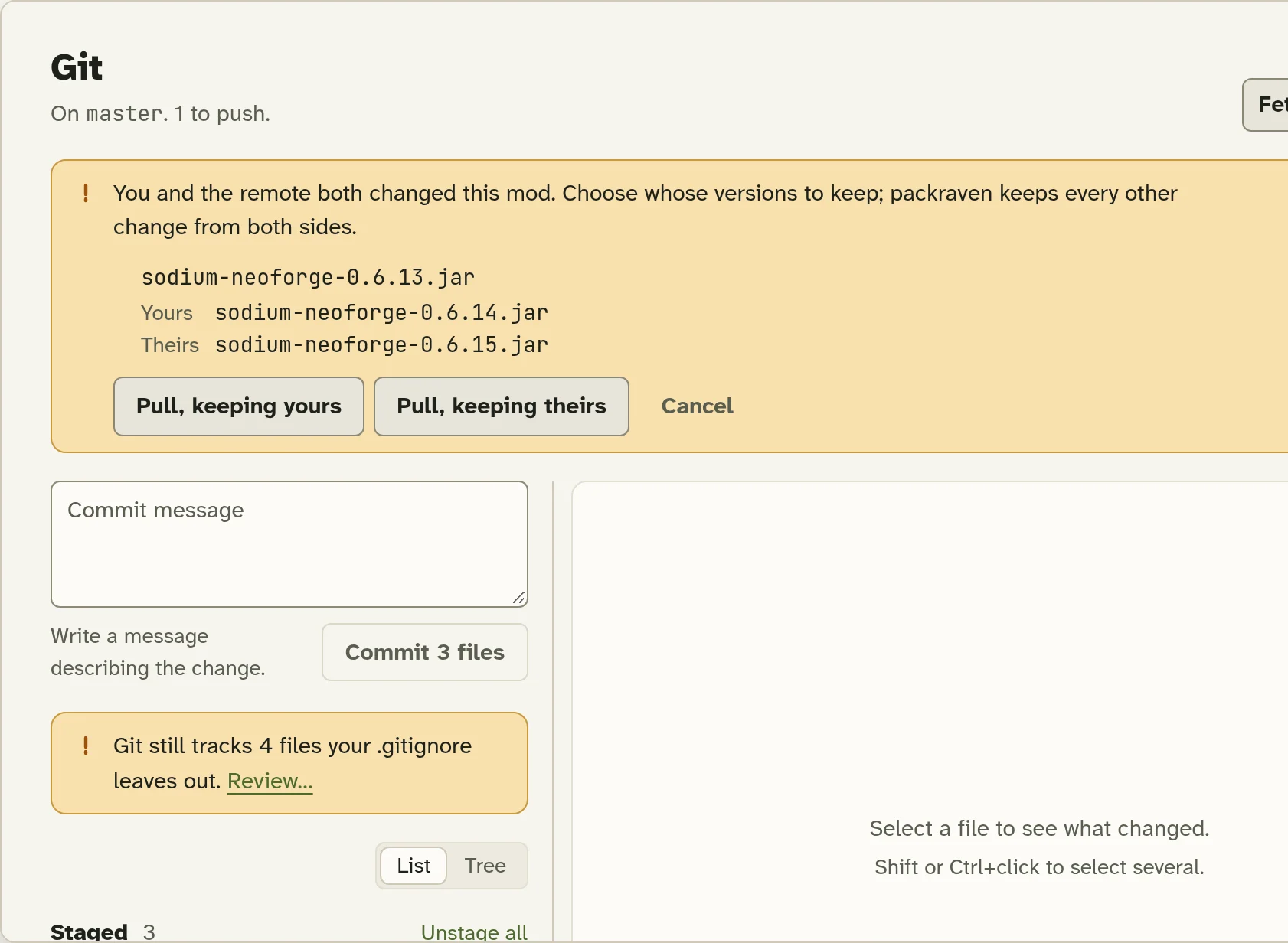
When you pull, we merge your collaborators’ mod changes one mod at a time and download whatever they added. If you both changed the same mod, you choose whose version to keep.

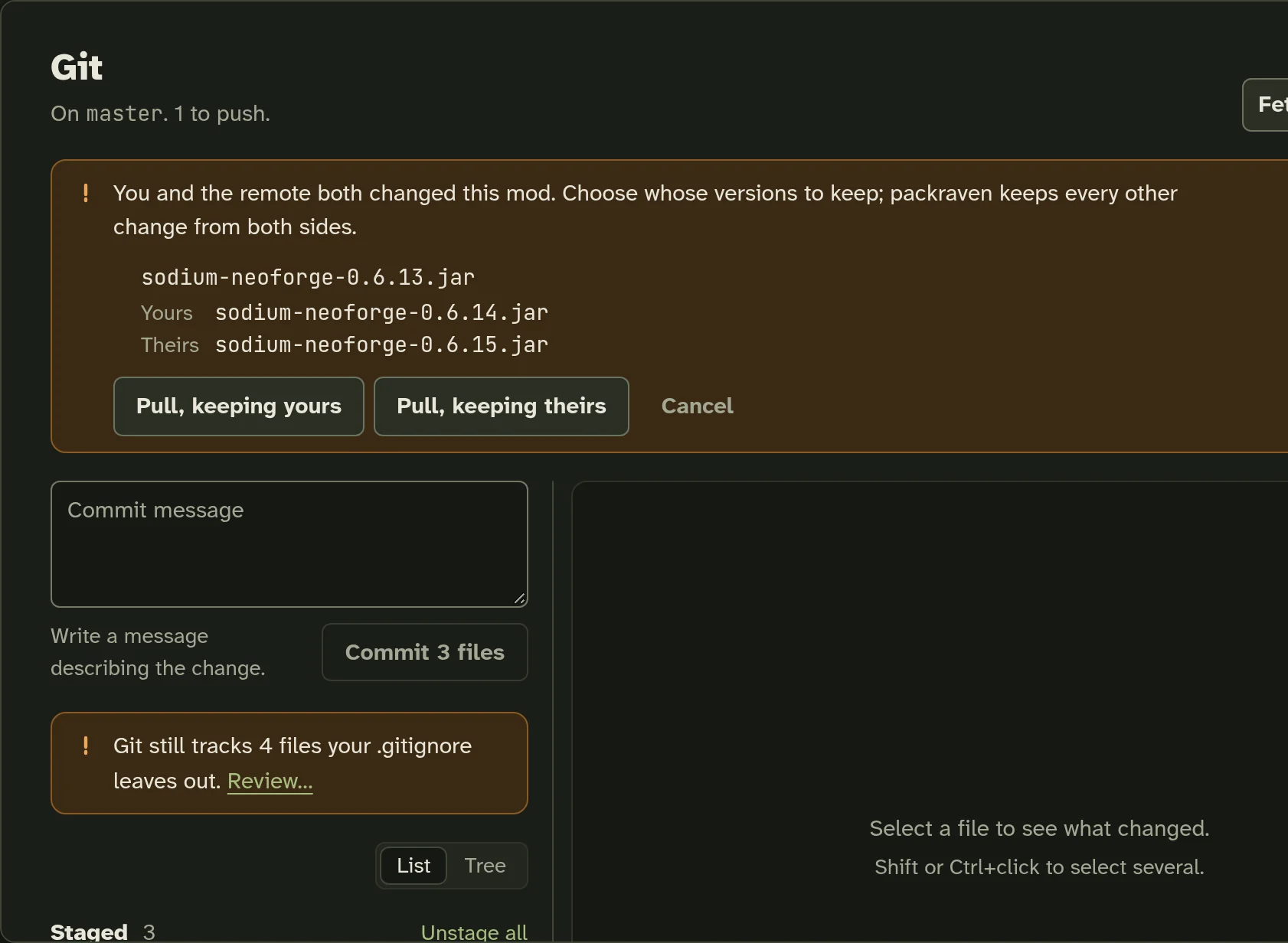
The Git view, asking whose version of a mod to keep after a pull (sample pack)The Git view, asking whose version of a mod to keep after a pull (sample pack)

A server pack that builds itself

Client-only mods stay out
We automatically exclude client-only mods from the server pack.
Override once
When a mod is tagged wrong, or crashes the dedicated server, you can override it once and we’ll remember it for every server pack after.
Properties, icon and message of the day

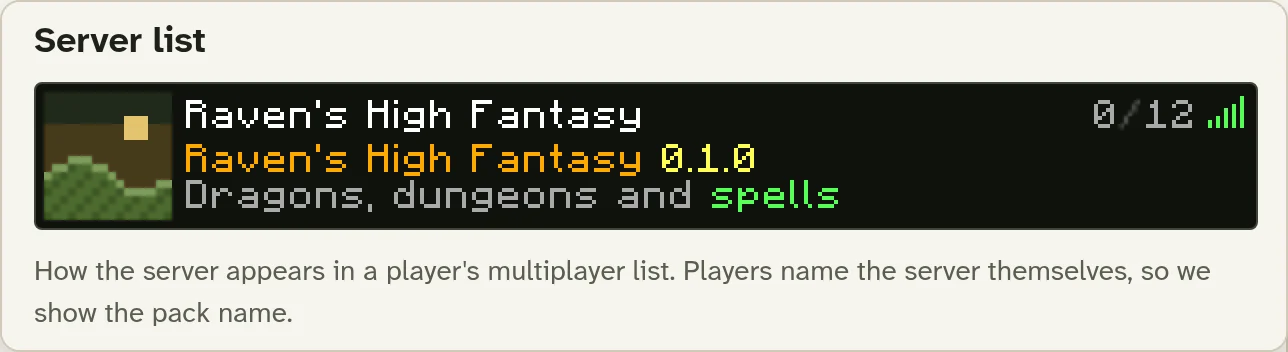
Set the server.properties, icon and message of the day in the same view, with a live preview of how it looks in the server list.

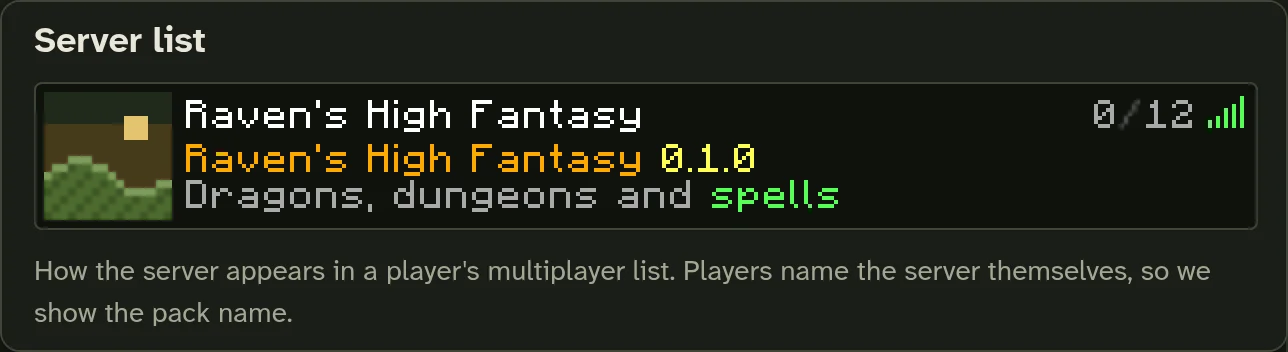
The server list preview in the Server view’s Properties tab (sample pack)The server list preview in the Server view’s Properties tab (sample pack)
Compact zips
Again, no hundreds of jar files. Your server packs download their mods from CurseForge and Modrinth on first start, so zips stay compact.

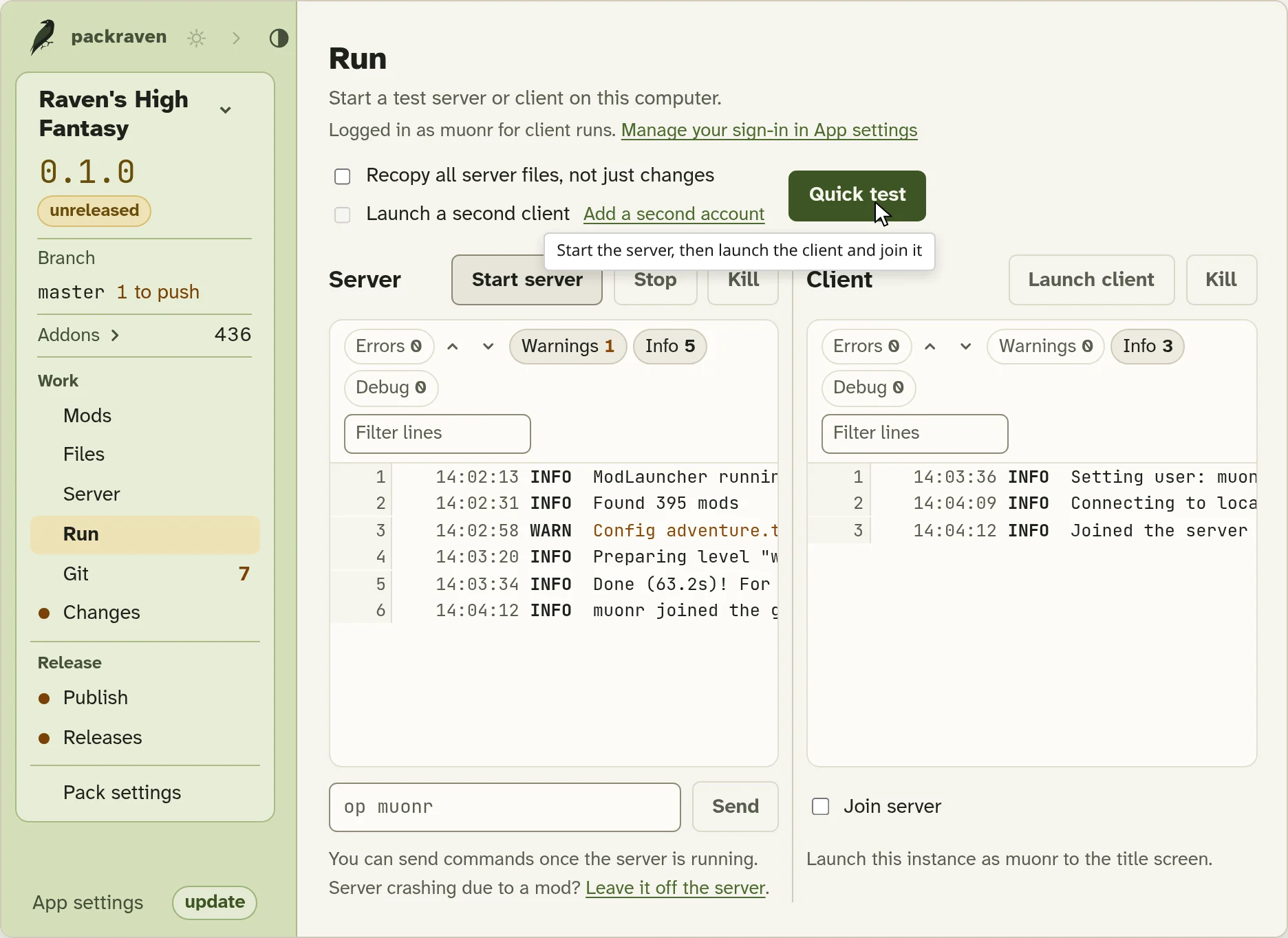
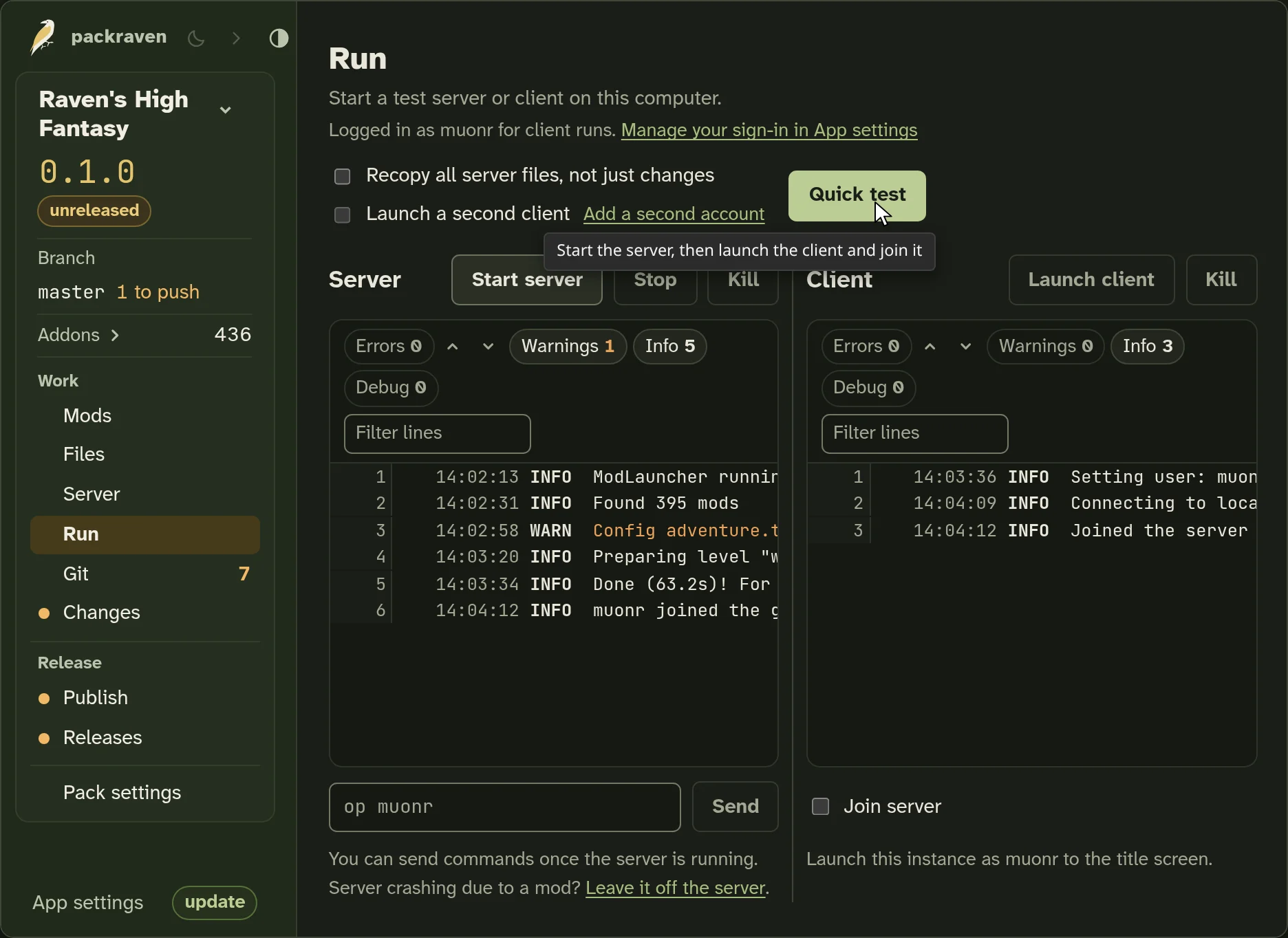
One-click, end-to-end testing

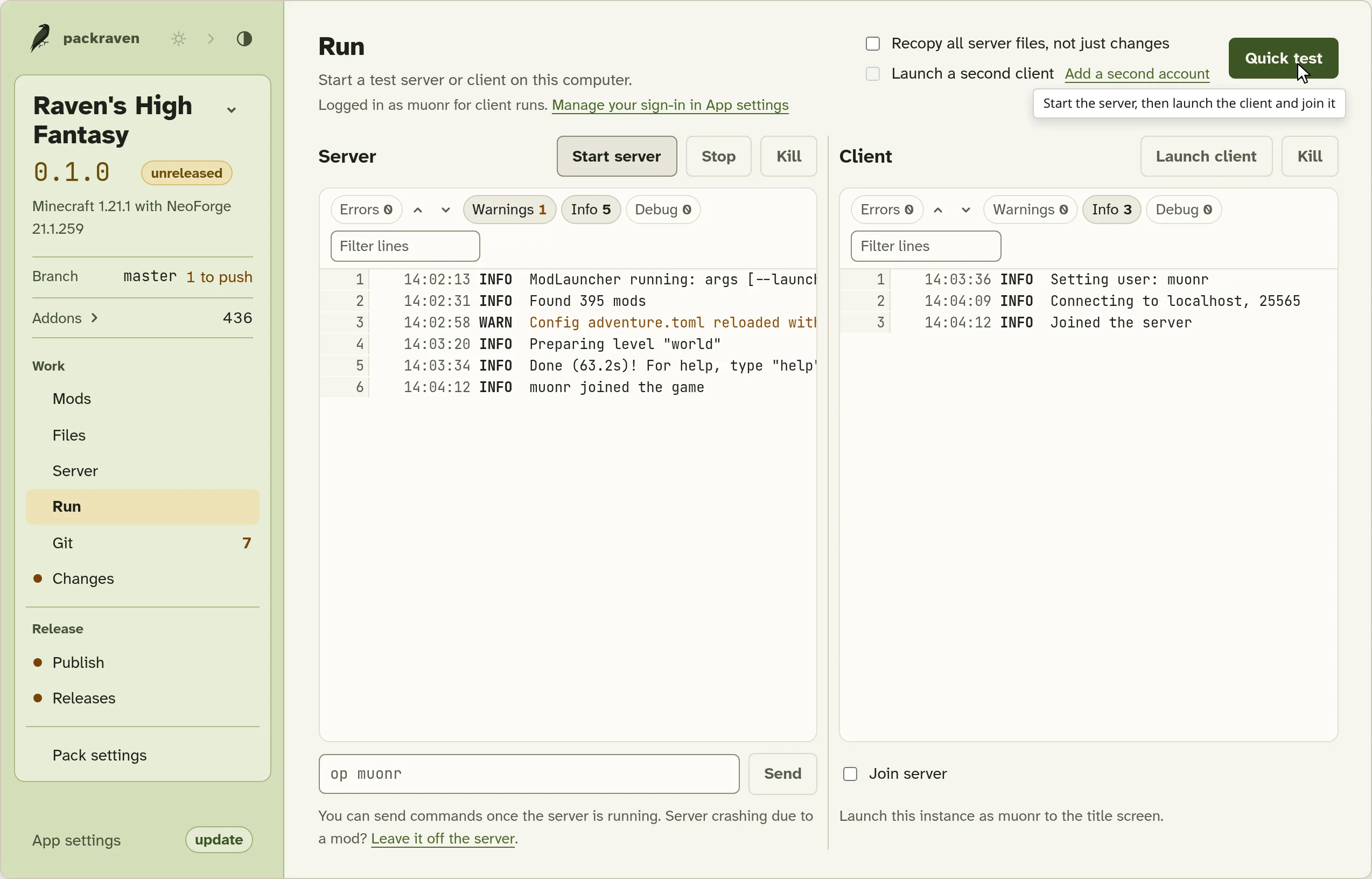
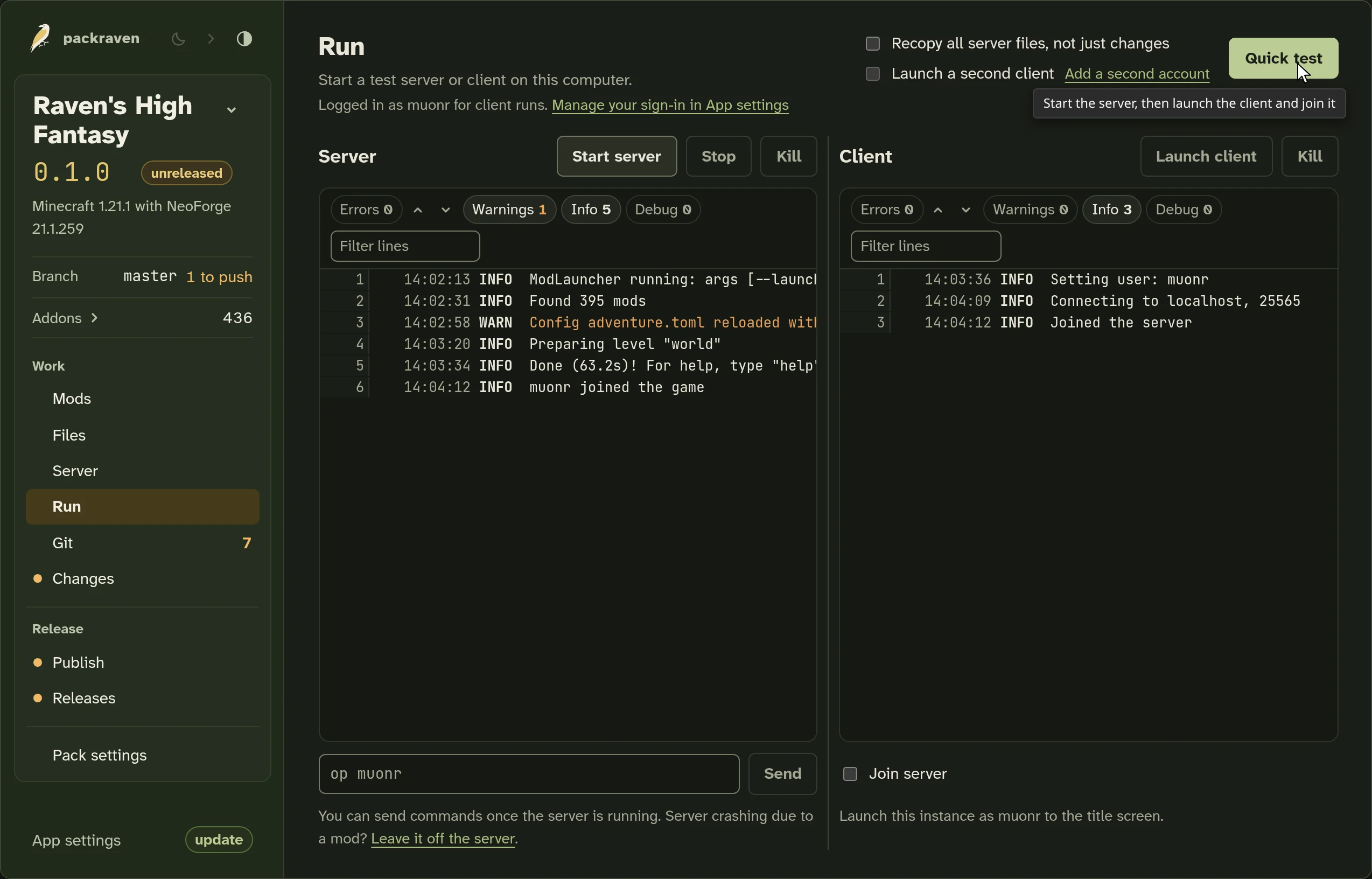
Click Quick test and we’ll build the server pack, start a test server on your computer, and launch a client, signed in with your Minecraft account, that joins it automatically. Both logs appear side by side.

The Run view, with the test server running and the client joined (sample pack)The Run view, with the test server running and the client joined (sample pack)

While you change mods or overrides, you can relaunch the client from Mods and restart the server from Server without leaving them.

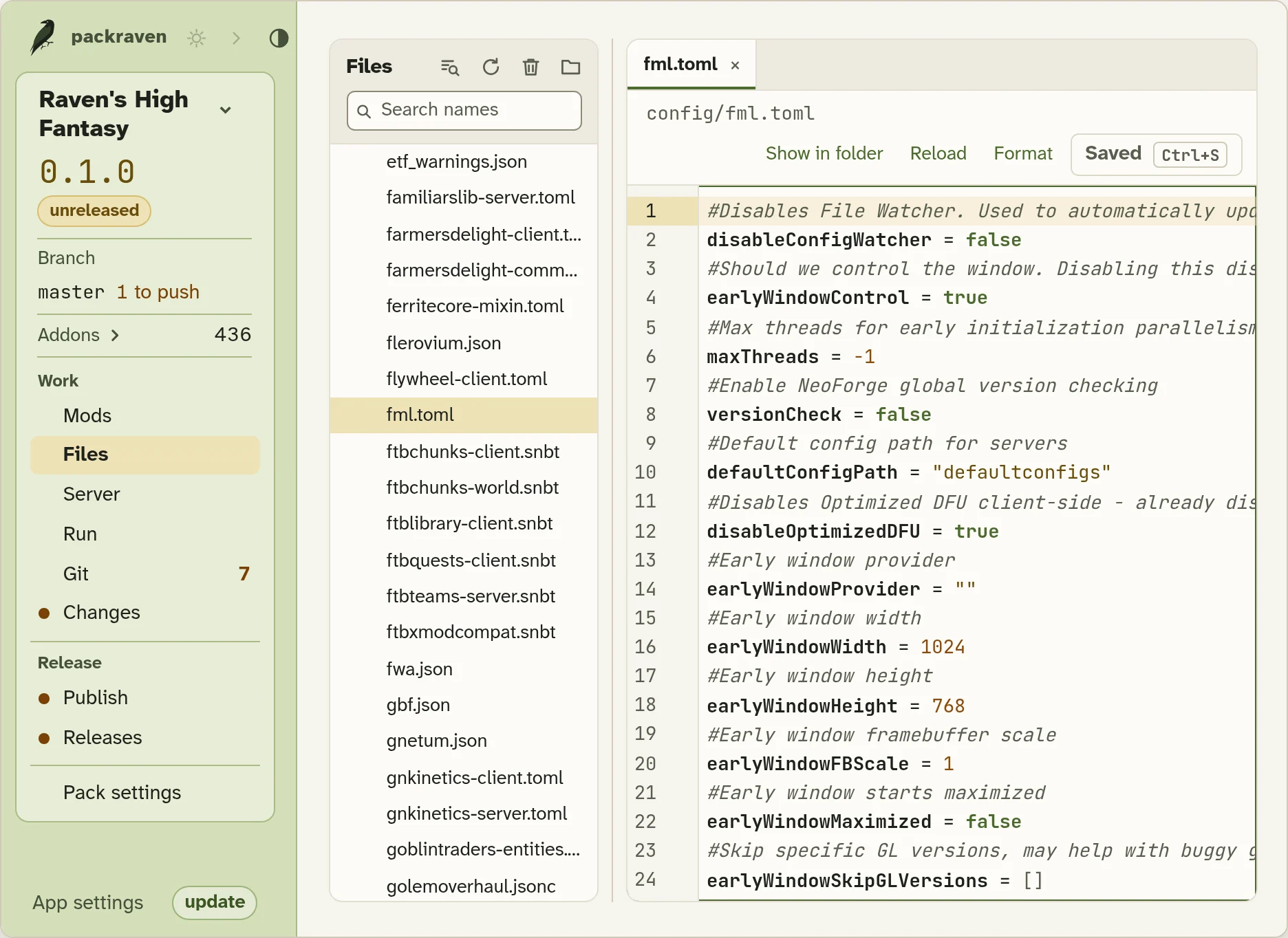
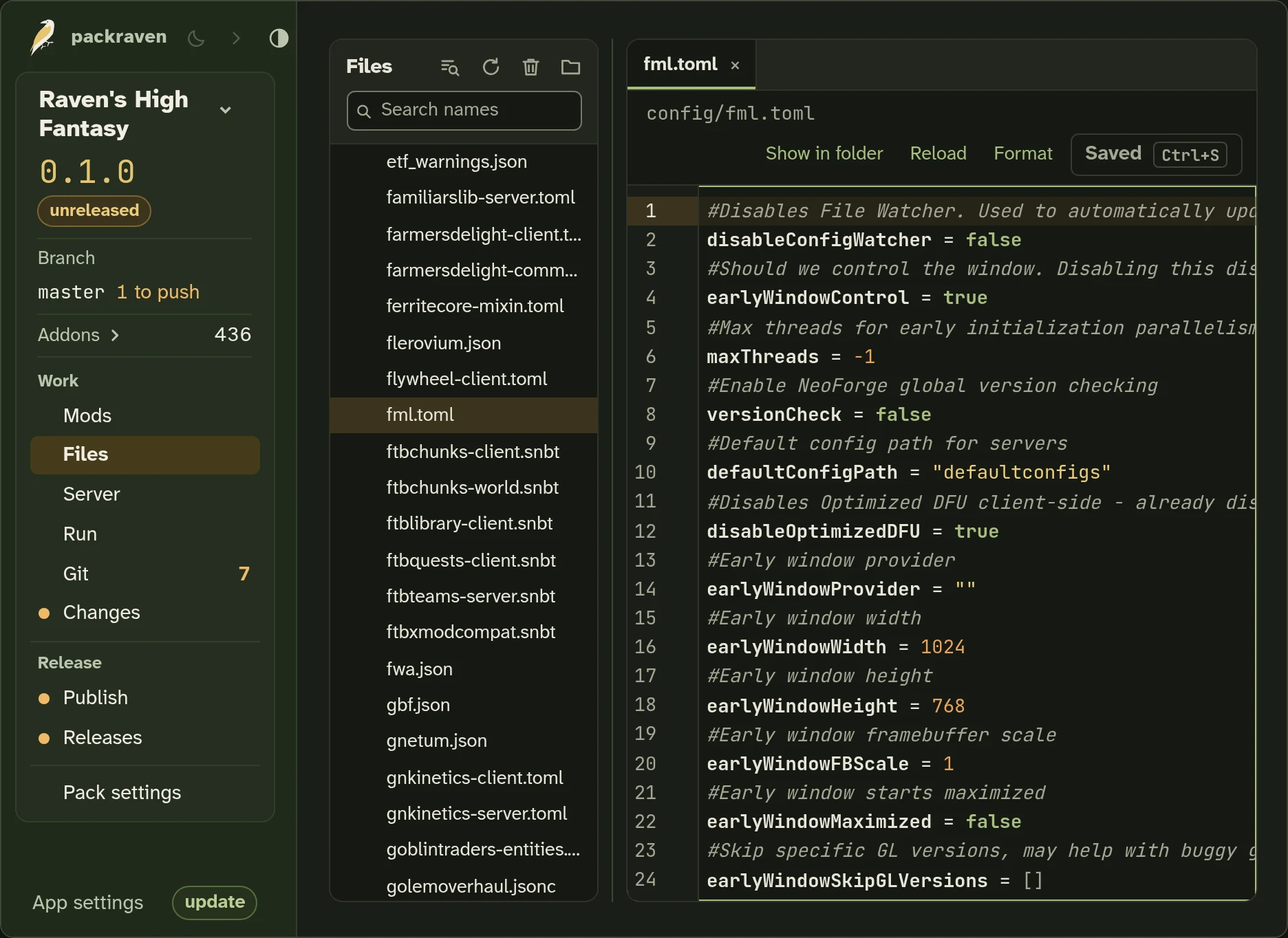
Edit all your files, too

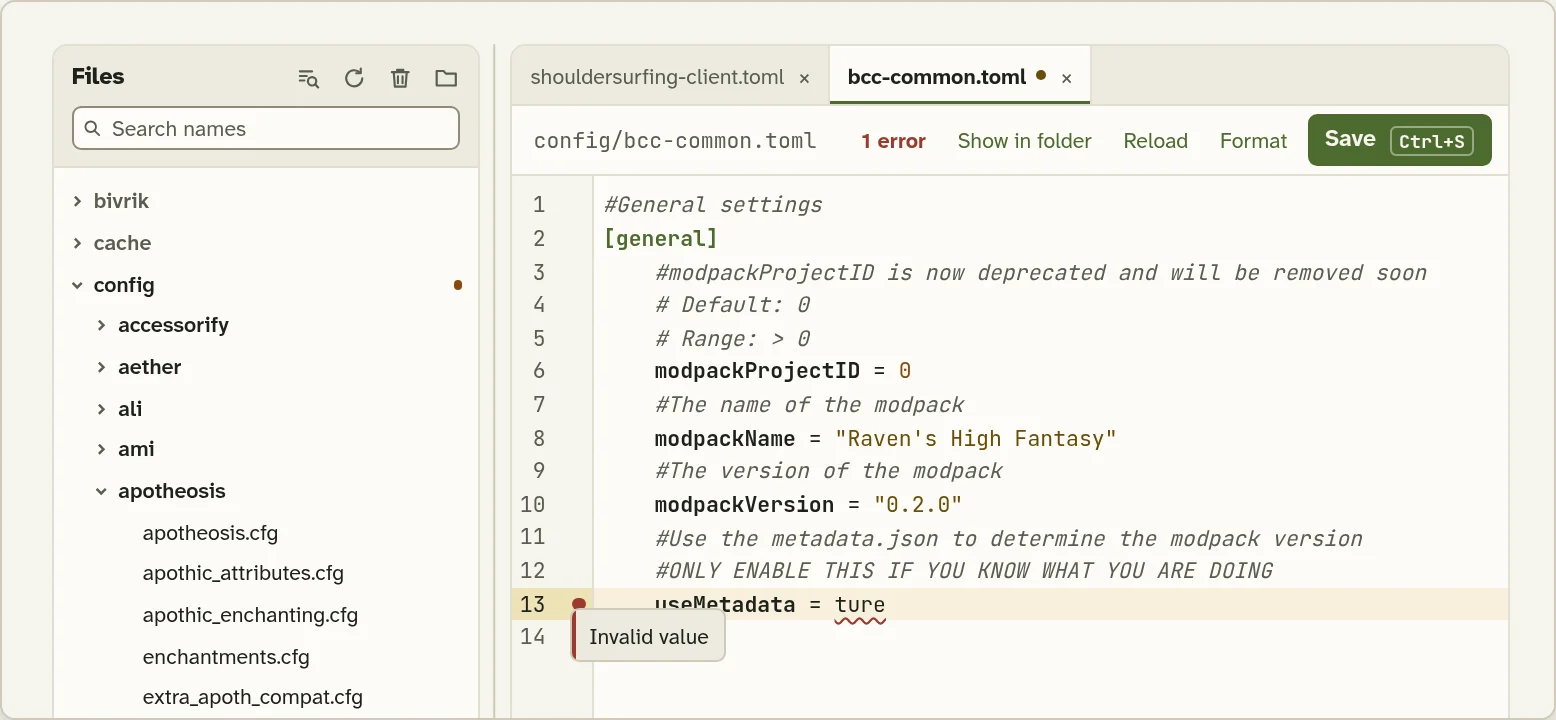
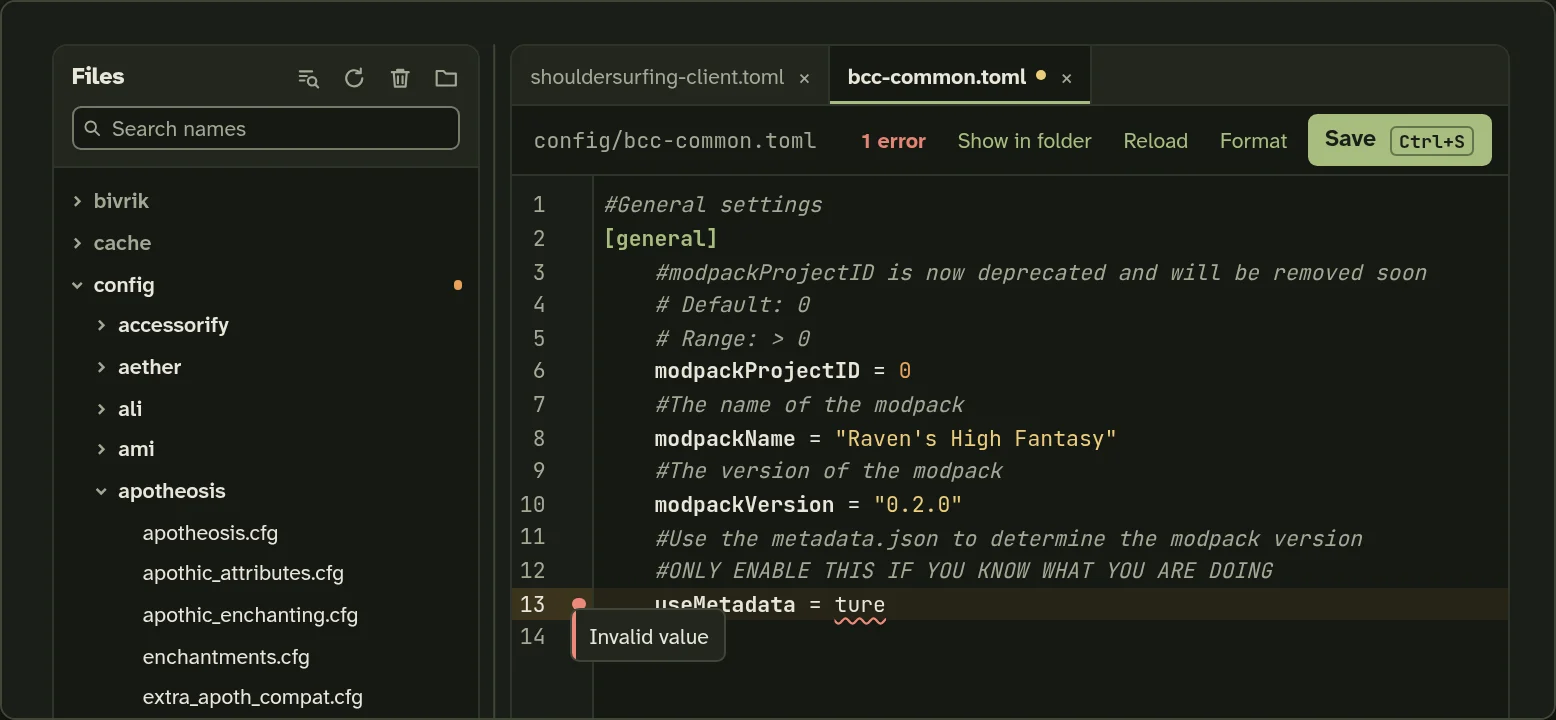
The Files view, with a typo in a config flagged as you type (sample pack)The Files view, with a typo in a config flagged as you type (sample pack)

Configs and datapacks, checked as you type

Edit configs and datapacks in tabs, and we validate JSON, TOML and other formats as you type. You won’t need VS Code for most pack edits.

You can also look inside mod jars, view textures and NBT files, and follow logs as the game writes them. NBT editing, image editing, and datapack creation are coming soon.
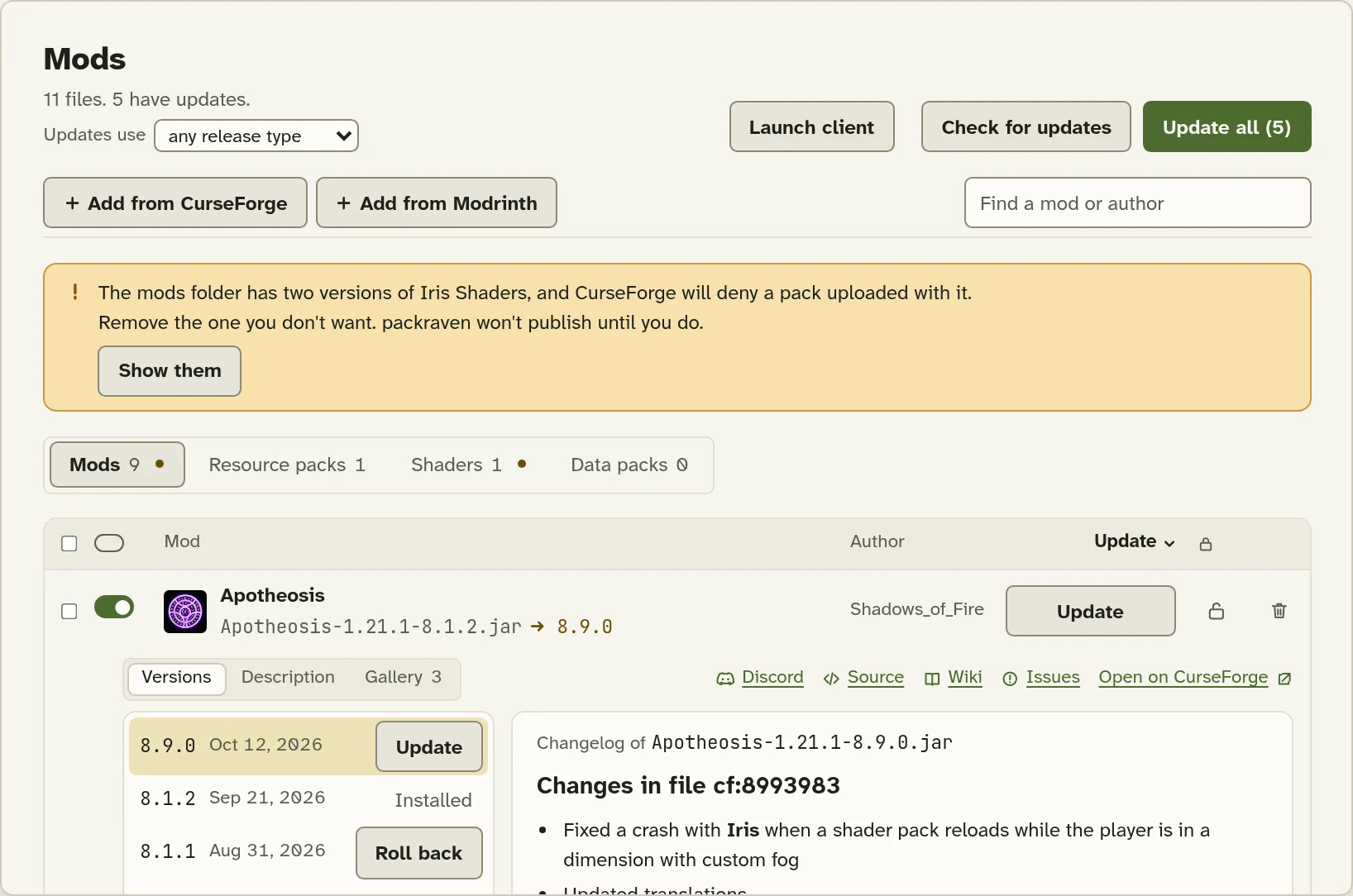
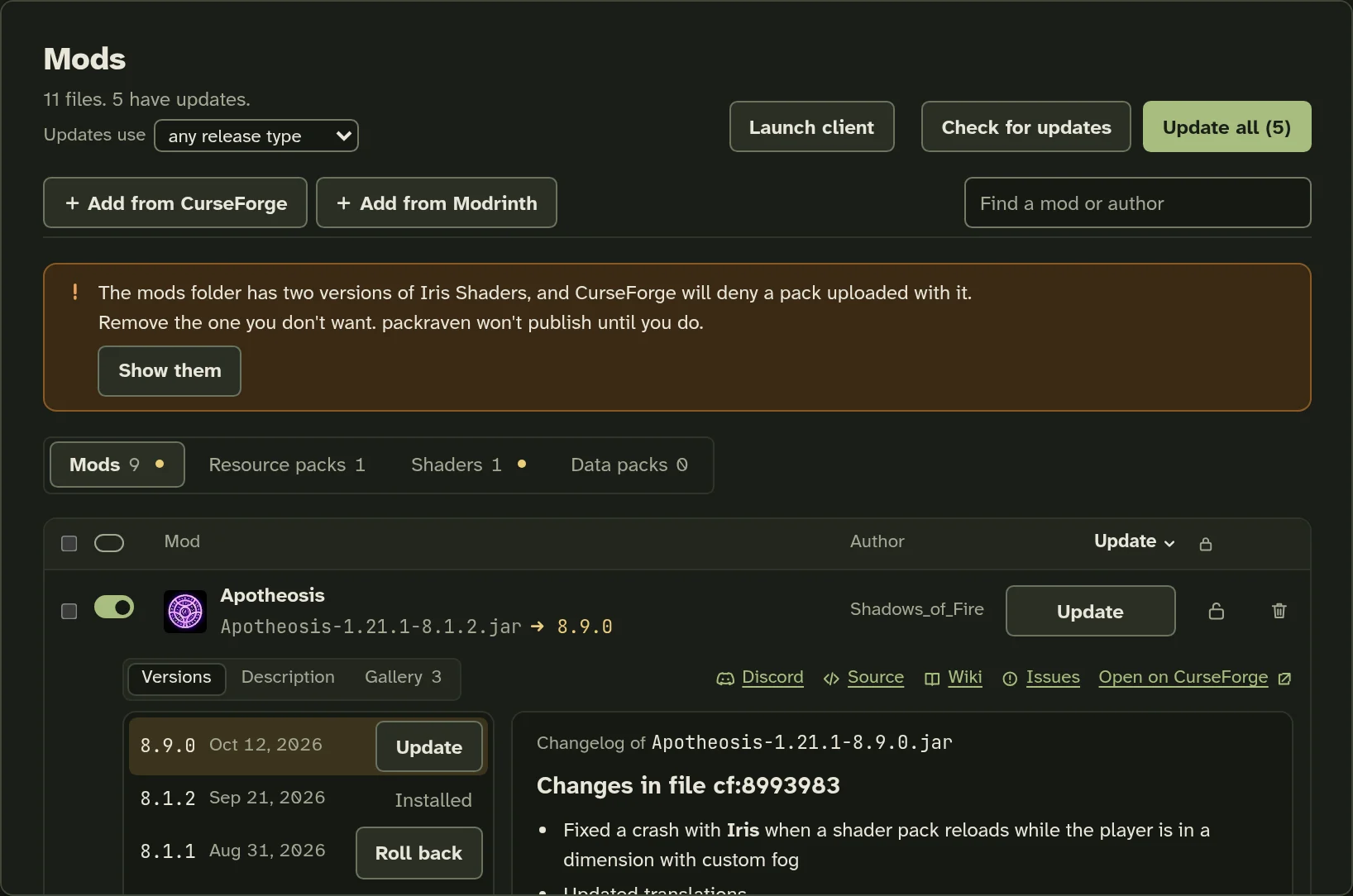
The Mods view, with one mod open to its versions (sample pack)The Mods view, with one mod open to its versions (sample pack)

Add and update mods from either platform

Search CurseForge and Modrinth for mods, resource packs, shaders and data packs. You can open changelogs and mod pages from the same view.

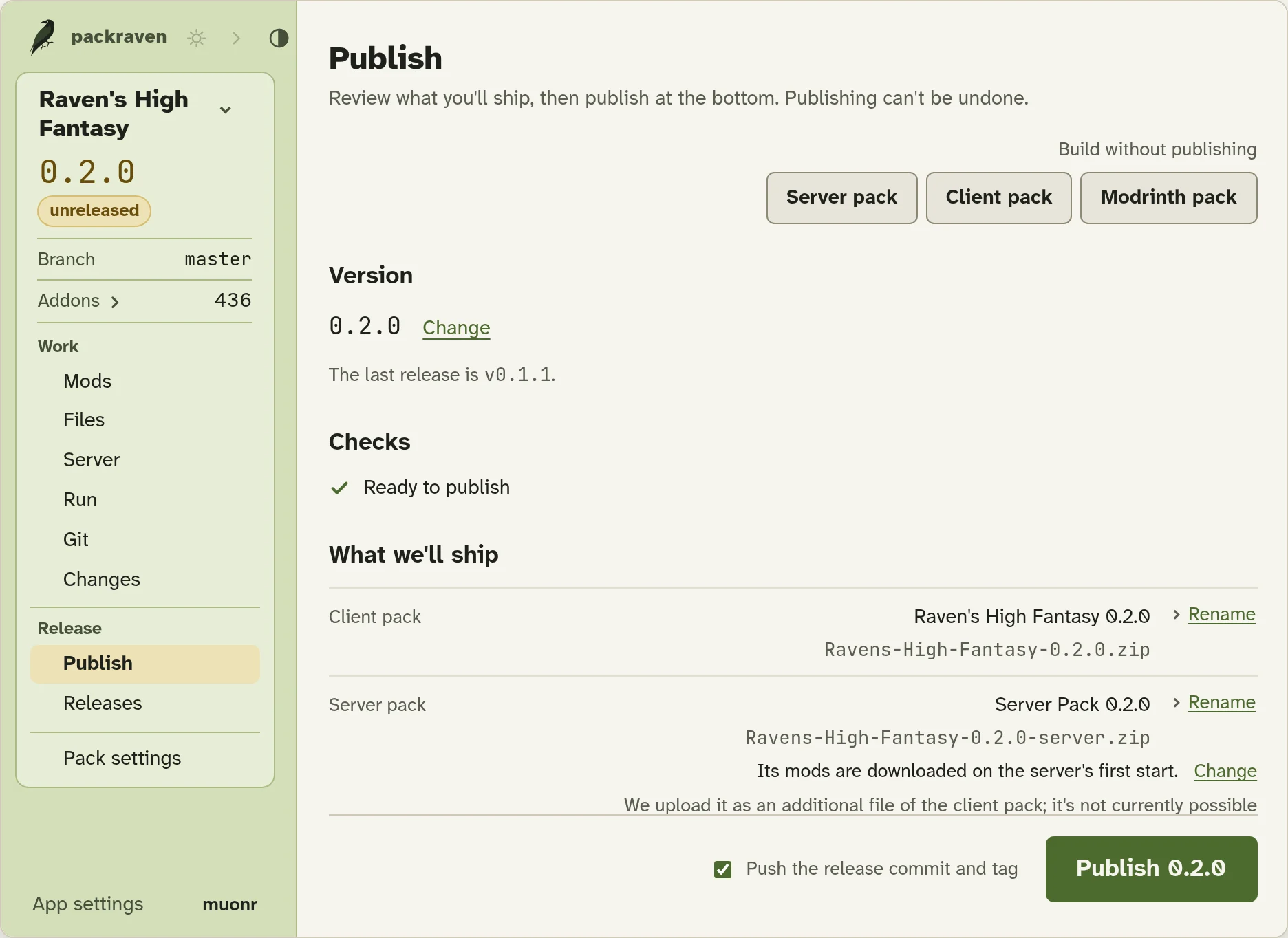
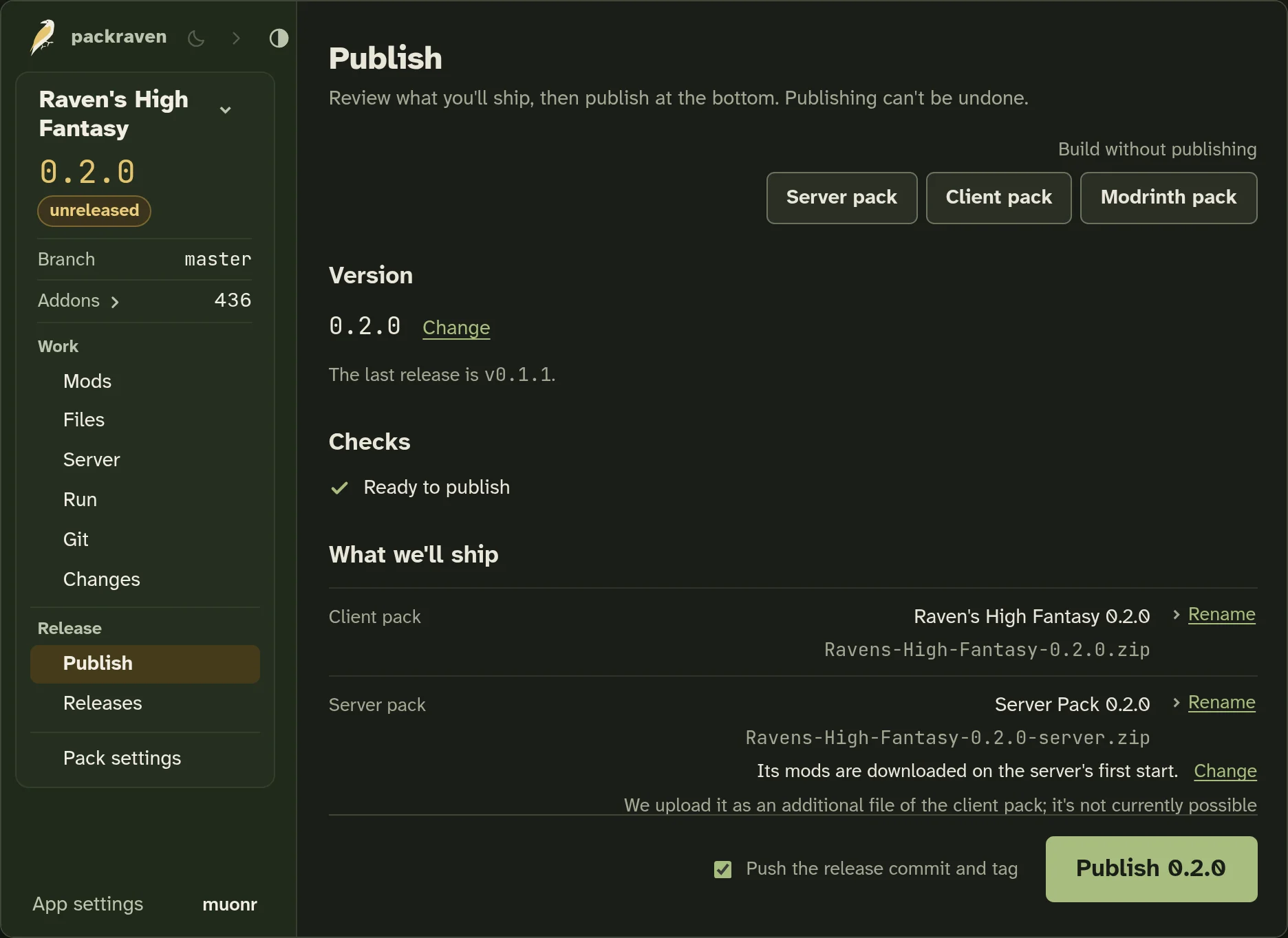
Publish once, with everything in view

Publishing is public and can’t be undone, so packraven shows you everything that will ship first. When you click Publish:

  • We build the client and server packs, and upload to CurseForge, Modrinth, or both.
  • We update the pack version in Better Compatibility Checker, if your pack uses it.
  • We file your release notes under the new version and start a fresh page for the next release.
  • We commit and tag the release, and push it if you want.

If one upload fails, we finish the rest of the release and keep offering to complete it until it’s done.

After you publish

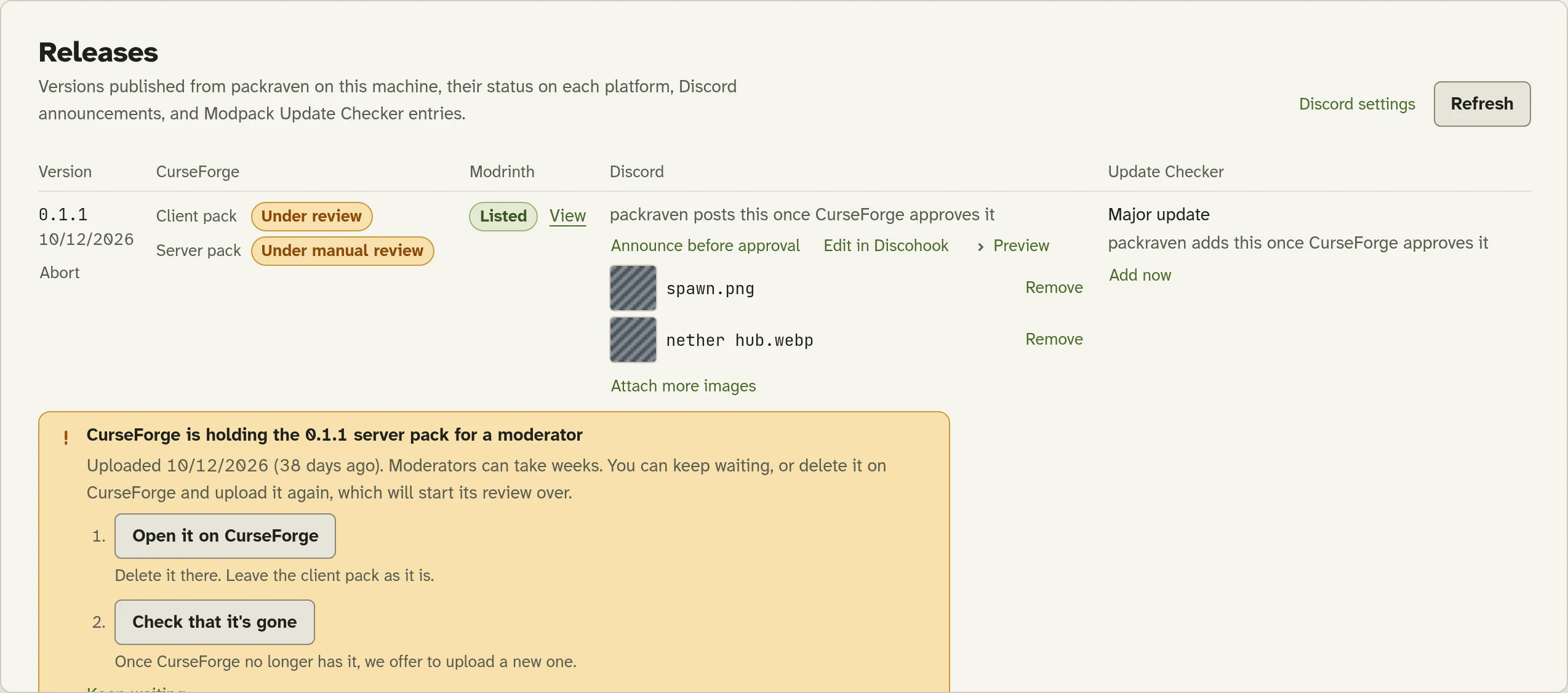
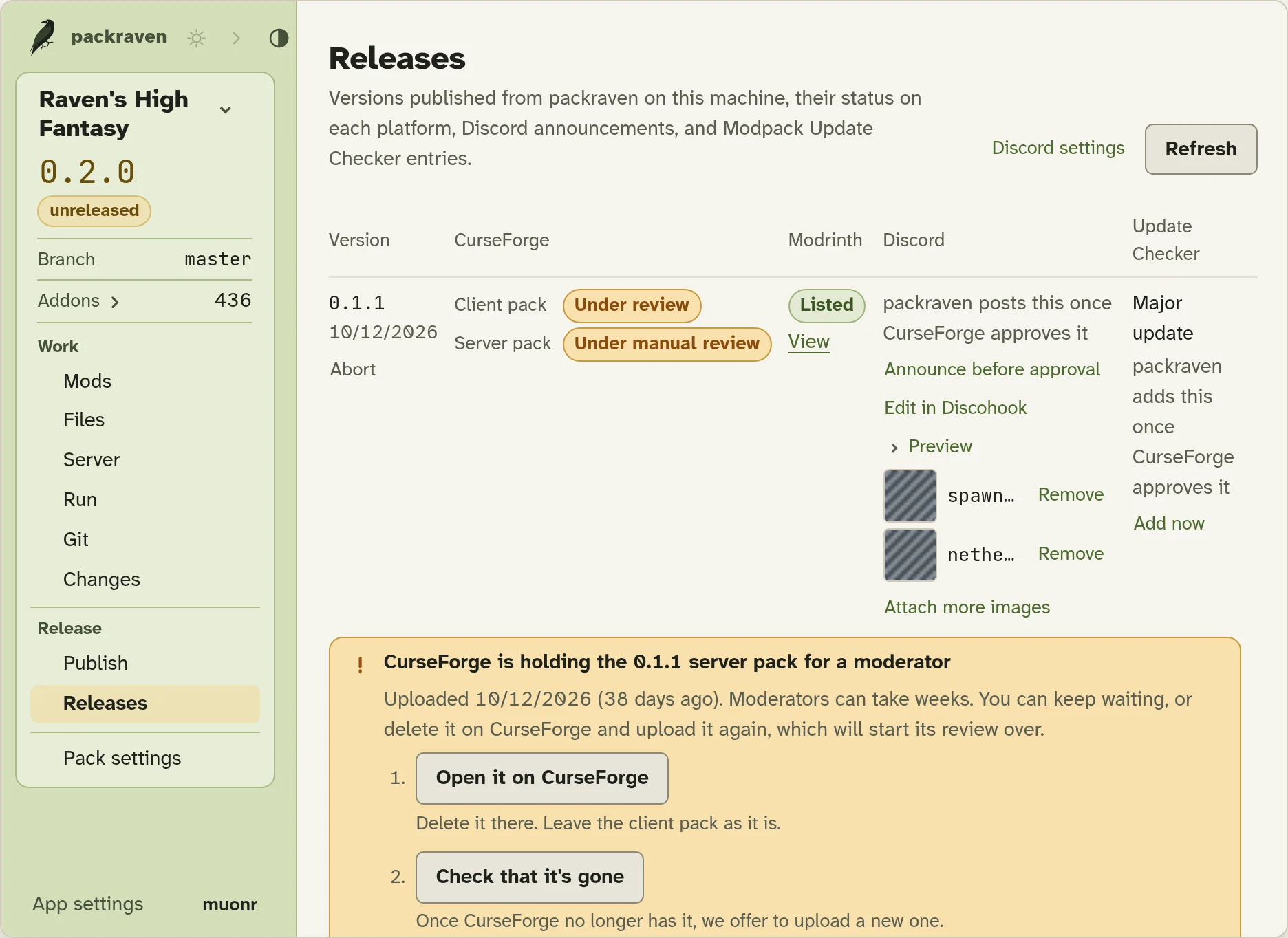
The Releases view tracks each release on CurseForge and Modrinth. Once your files are approved, we announce the release for you automatically on Discord.

If CurseForge holds a file for manual review, rejects it, or deletes it, we’ll let you know and help you replace it.

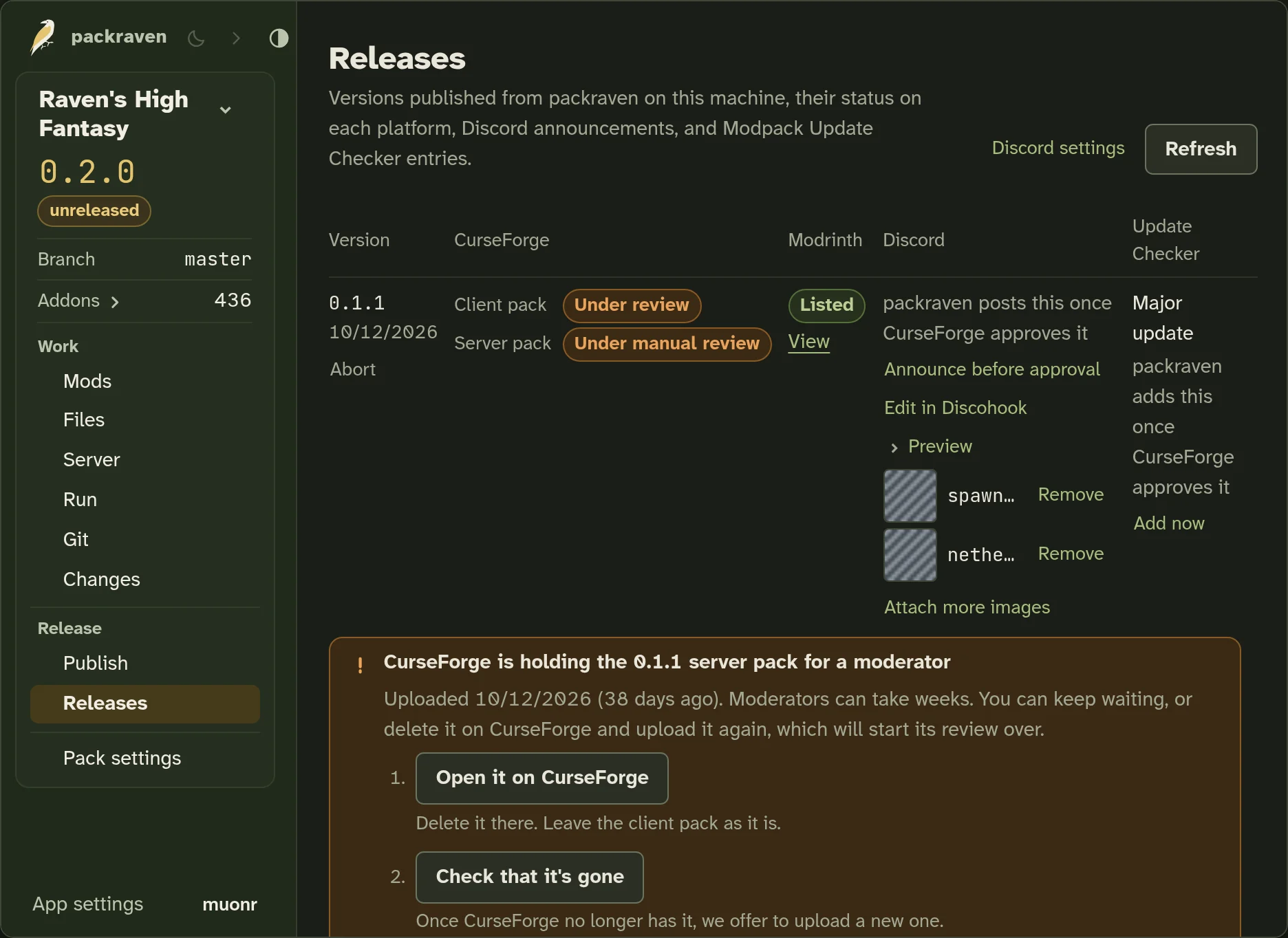
The Releases view, with a server pack held for manual review and an older release announced (sample pack)The Releases view, with a server pack held for manual review and an older release announced (sample pack)

Get packraven

Free and open source, for Windows and macOS.

Download for Windows
Release notes
All releases on GitHub
  • Track a pack you already have

    Point packraven at your CurseForge instance. We set up git for it, and offer to install git for you if you don’t have it.

  • Join someone else’s pack

    Paste the git remote they share with you, and we download the pack into a new CurseForge profile.